INSTALLER DESIGN
Give your app a proper arrival.
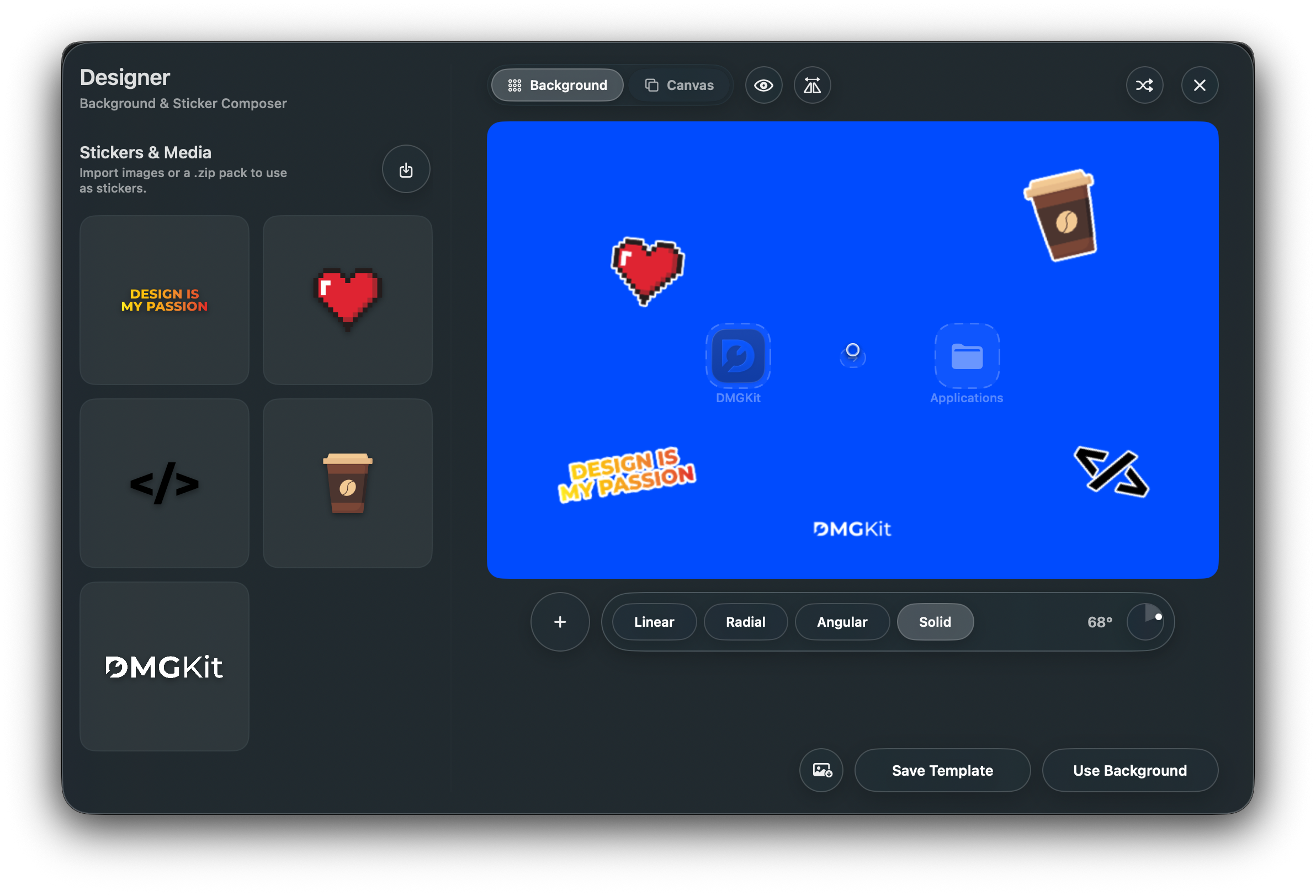
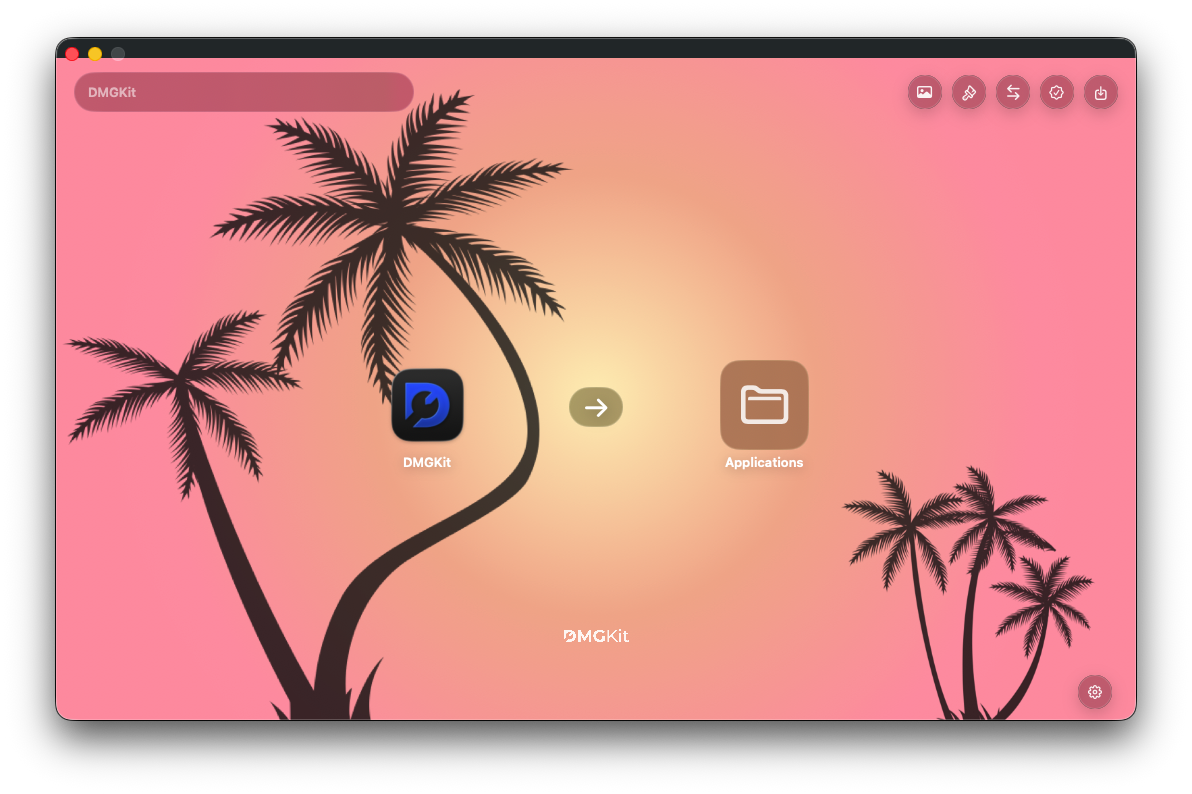
Build a familiar, intentional installer window with your own background, app icon, Applications shortcut, arrows, overlays, and layout controls.
 Get DMGKit
Built for direct Mac distribution
Turn a finished app into a release people trust. Design the installer, prepare signing and notarization, then inspect exactly what you are about to ship.
The release moment
Direct distribution asks you to do more than export a build. You have to make installation clear, navigate Apple's trust requirements, and send a file you feel good about putting in front of customers.
One focused workspace
DMGKit keeps the release steps visible, connected, and deliberately less terminal-heavy.
Build a DMG window that tells customers what to do the moment they open it.
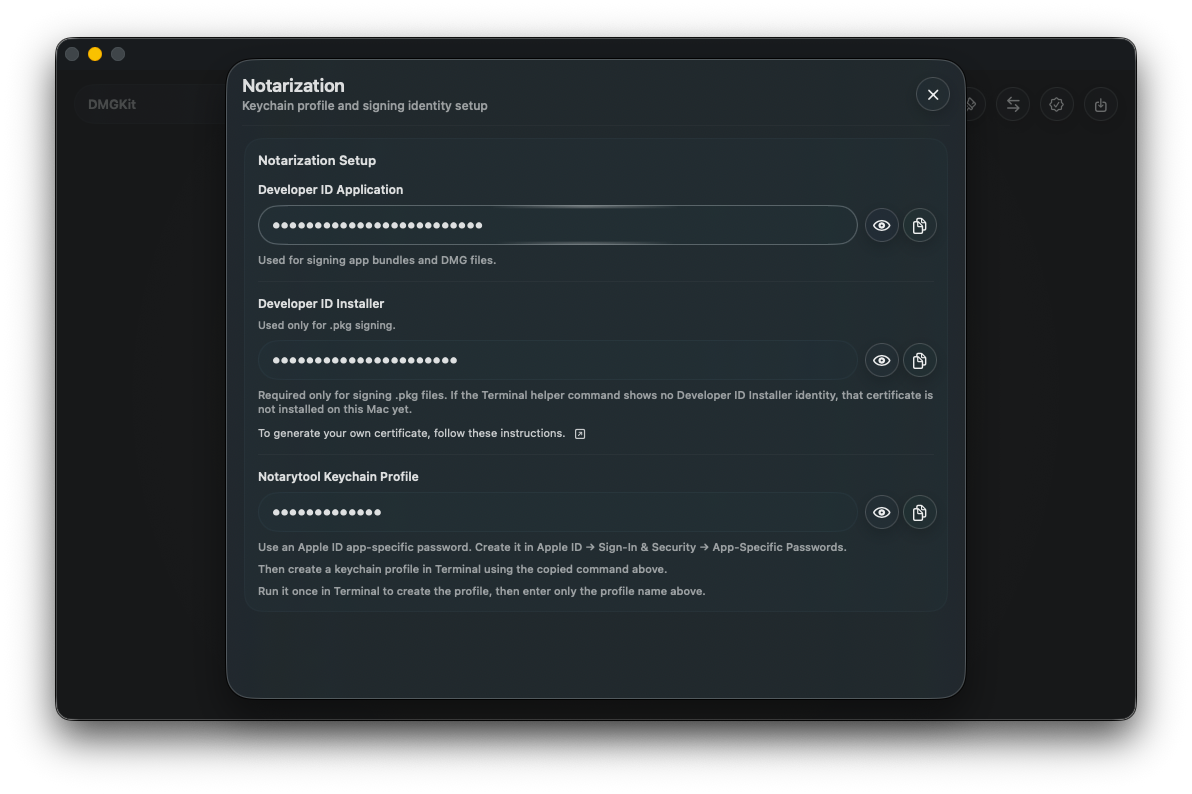
Bring signing, notarization, stapling, export settings, and app assets into a single release flow.
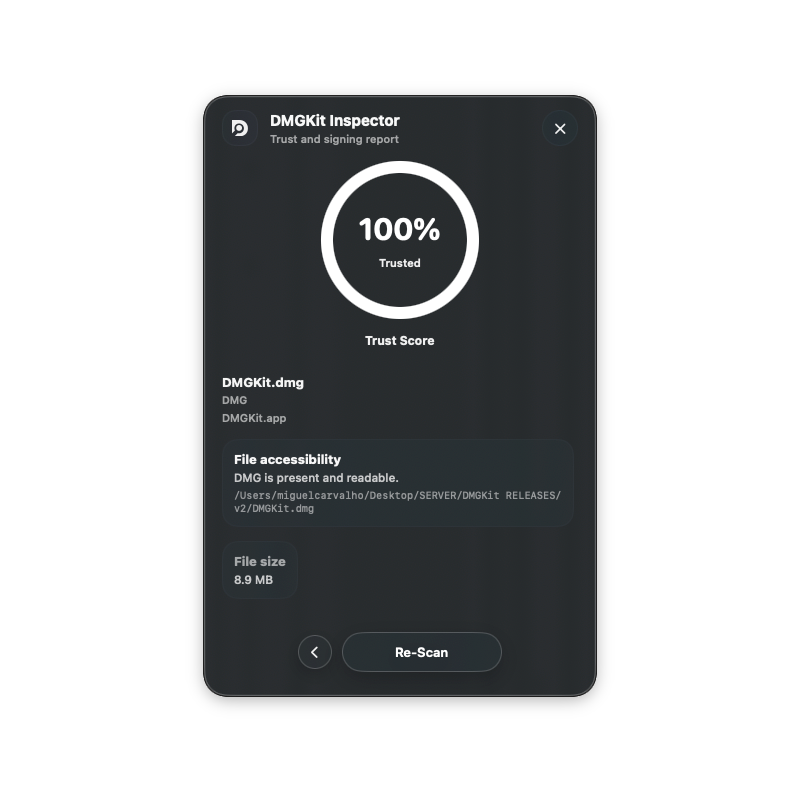
Use Inspector to look at the package structure and release details before the download is public.
The toolkit
INSTALLER DESIGN
Build a familiar, intentional installer window with your own background, app icon, Applications shortcut, arrows, overlays, and layout controls.
NOTARIZATION
Prepare signing, notarization, stapling, and export settings without losing the context of the release you are making.
LEGAL DOCUMENTS
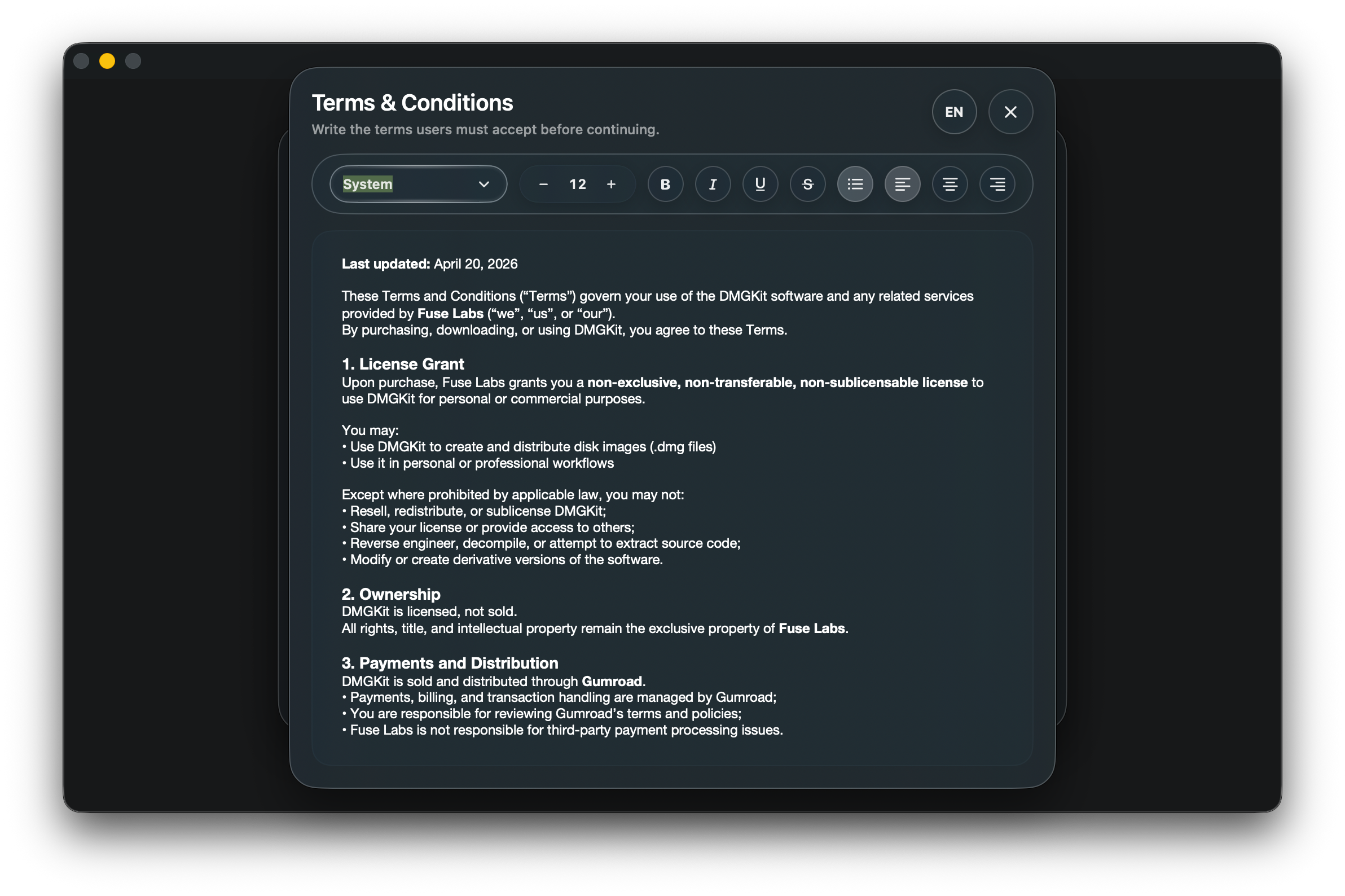
Manage Terms, Privacy Policy, EULA, and installer agreements from the same workspace.
SPARKLE 2
Store an app profile and let DMGKit generate the appcast.xml during export.
DMGKIT INSPECTOR
Review DMG and package structure with a companion tool designed for release confidence.
Download InspectorWORKS WITH THE MAC APPS YOU ALREADY BUILD
Simple pricing
DMGKit is a one-time purchase for developers who want a calmer, more deliberate direct-distribution workflow.
Read the release guidesDMGKIT FOR MAC
Everything you need to design a DMG, prepare a direct release, and make the last mile feel considered.
Before you ship
DMGKit is for Mac developers shipping direct downloads outside the Mac App Store who want a more visual, repeatable release workflow.
You can design an installer without one. Signing and notarization require valid Apple Developer credentials, certificates, and the appropriate signing identity.
Inspector is a free companion utility for reviewing DMG or package structure and release details before distribution.
DMGKit is designed for modern macOS app bundles from native and common cross-platform development stacks.
YOUR NEXT RELEASE
Build the installer, prepare the release, and send it with more confidence.
Get DMGKit - $24.99