Understands your logs
Ask about an export and get each step explained in plain language.
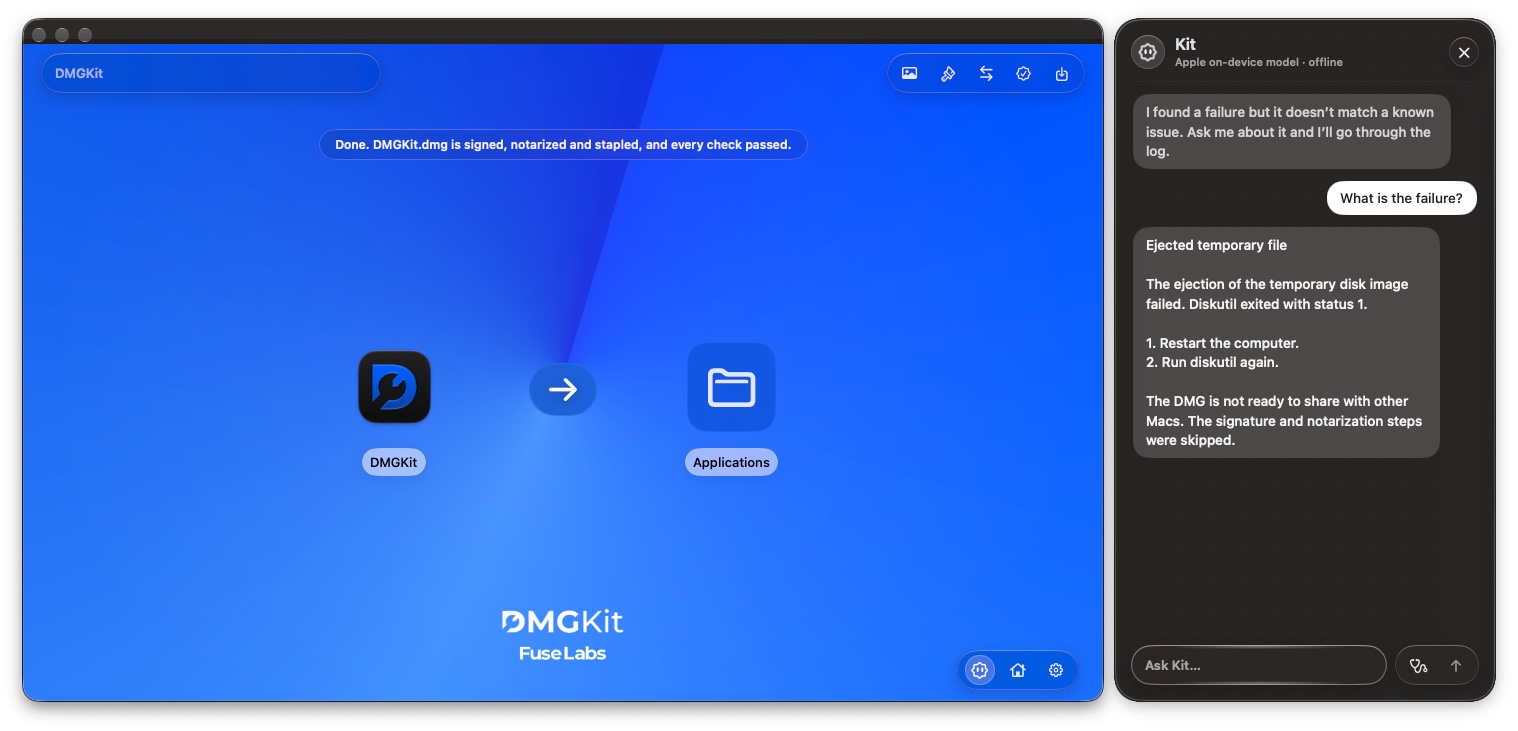
A small helper who lives inside DMGKit. Ask Kit about your release and get a clear answer in plain language.
Shipping a Mac app outside the App Store means signing, notarizing, stapling and checking. When one of those steps fails, the message is often a wall of text. Kit reads it with you, tells you what happened and what to check next.
Ask about an export and get each step explained in plain language.
Find out why a step failed and what to check next.
Ask where a setting lives or how to do something in DMGKit.
Kit sits next to your work, so you can ask while you look at the result.
Export a DMG or PKG in DMGKit, or open one you already have.
Click the Kit button in DMGKit and type your question.
Kit answers using your logs, then you can ask a follow-up.
Kit runs on-device. It uses Apple Intelligence, or Qwen when Apple Intelligence is turned off, so your logs and questions stay on your Mac. Kit works offline once its model is available.